
OVERVIEW
Page essentials
Title, full URL, domain, path, language, charset, capture time, word count, link count, image count, DOM size, and quick page-level context.
PageData inspects the current webpage from a focused Chrome Side Panel and organizes the useful parts for you — metadata, SEO signals, content structure, links, media, technical details, and copy-ready output in multiple formats.
Built for Chrome 114+ · No backend · No analytics · Inspected data stays in the browser.
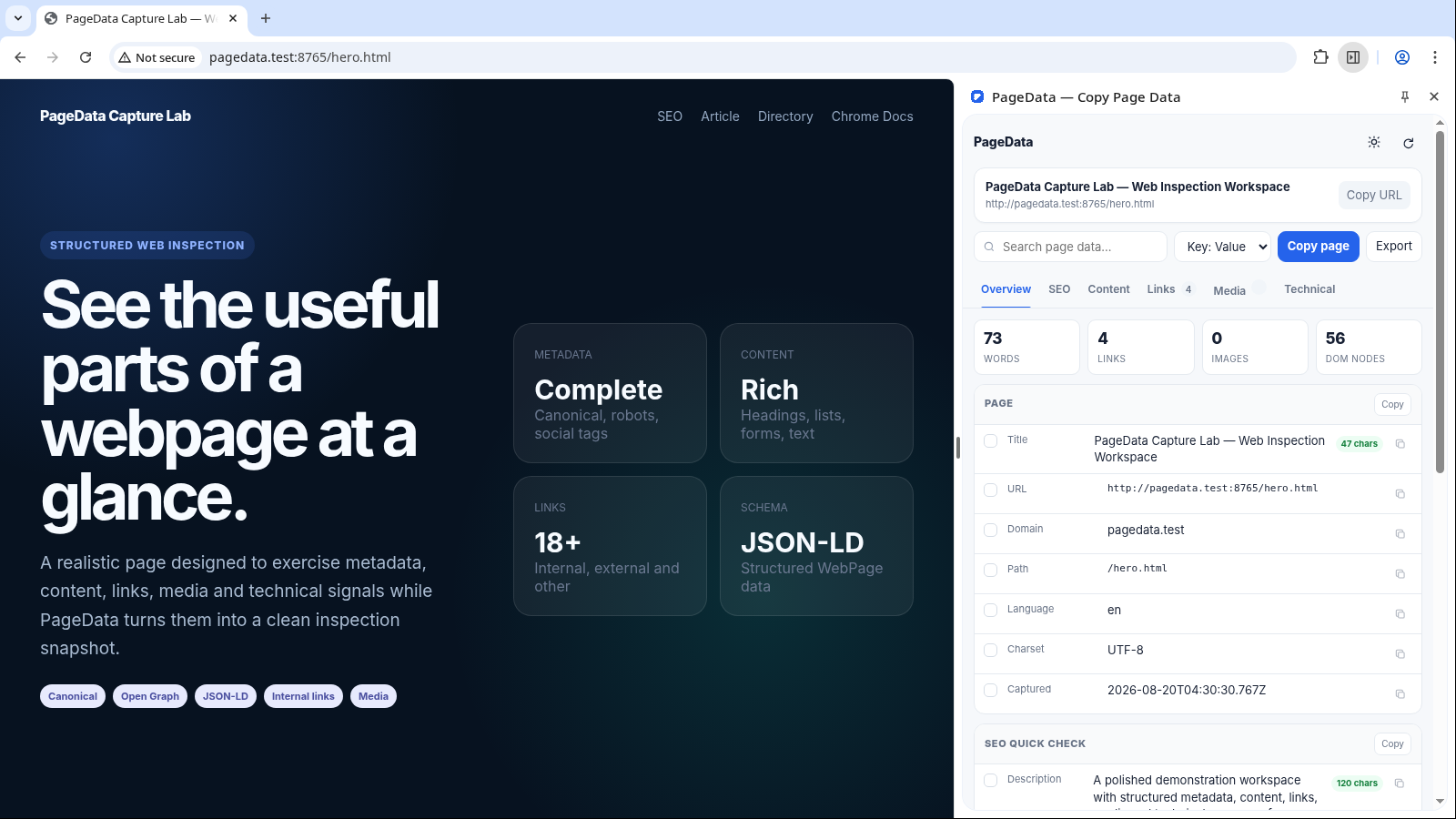
PageData groups different kinds of page information into focused views so you can move quickly between a high-level overview and the exact details you need.
Title, full URL, domain, path, language, charset, capture time, word count, link count, image count, DOM size, and quick page-level context.
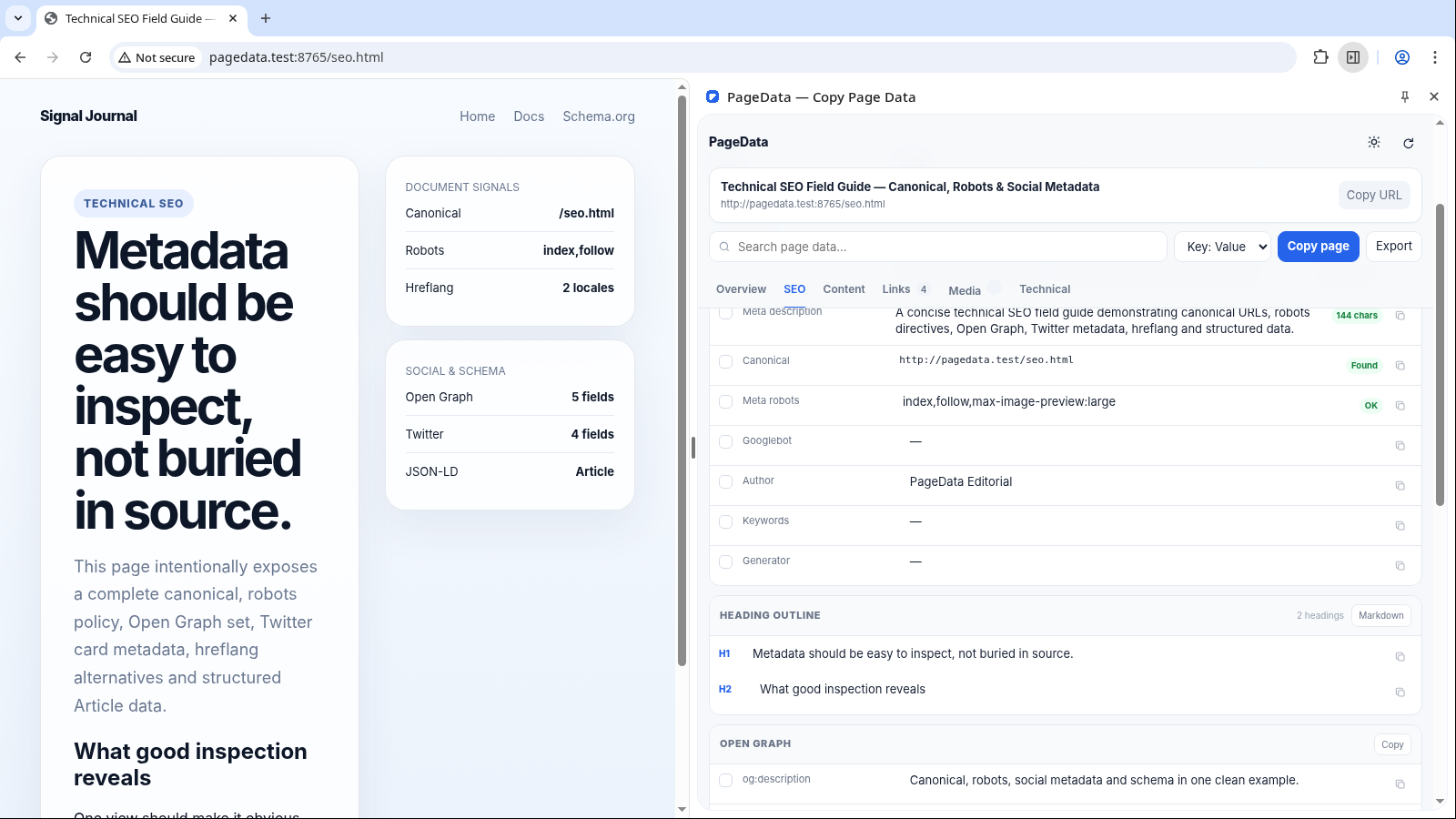
Inspect title, description, canonical, robots, headings, Open Graph, Twitter/X card data, hreflang entries, and JSON-LD detected in the document.
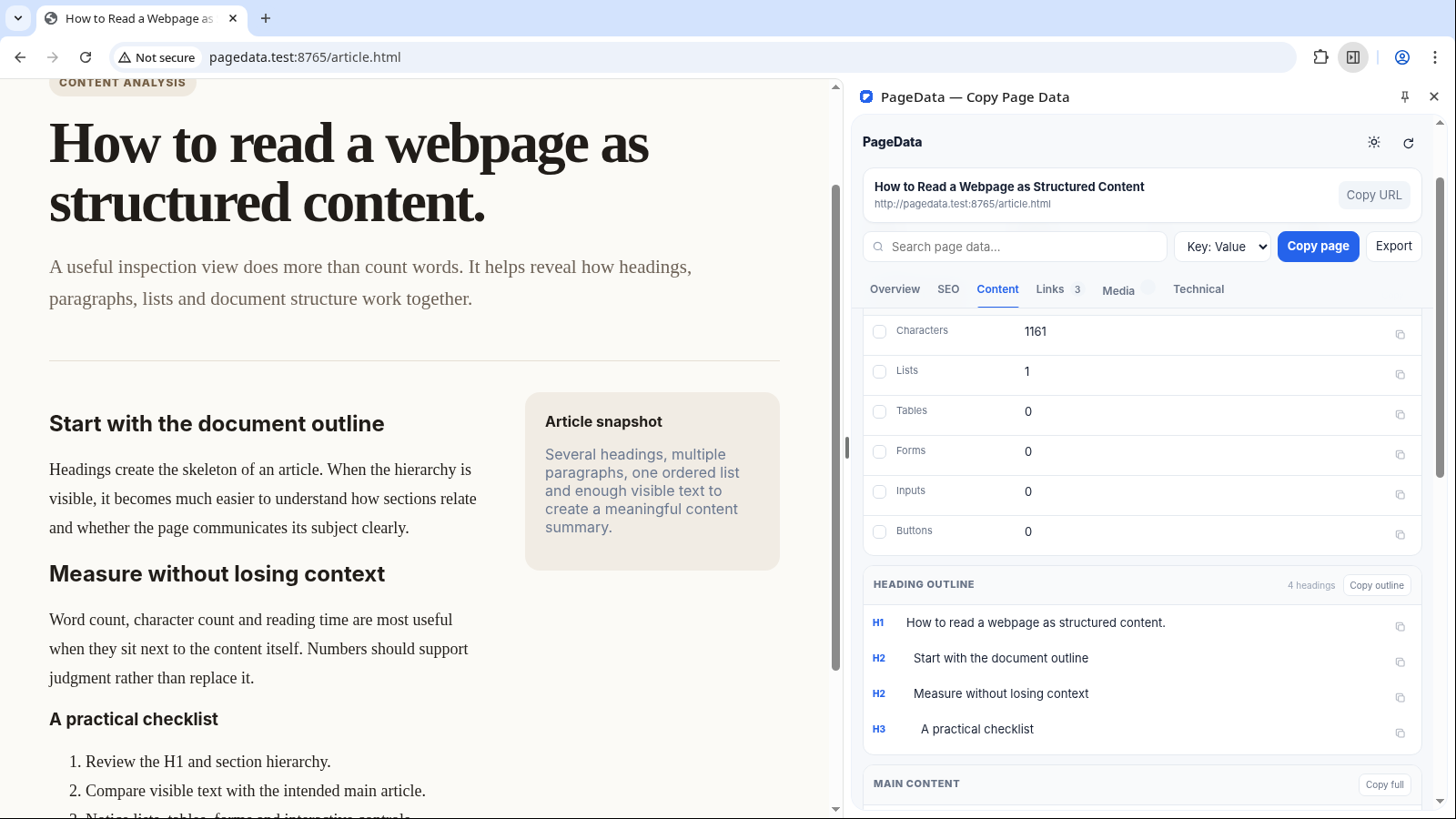
Measure words, characters, estimated reading time, paragraphs, lists, tables, forms, inputs, buttons, main content text, and visible page text.
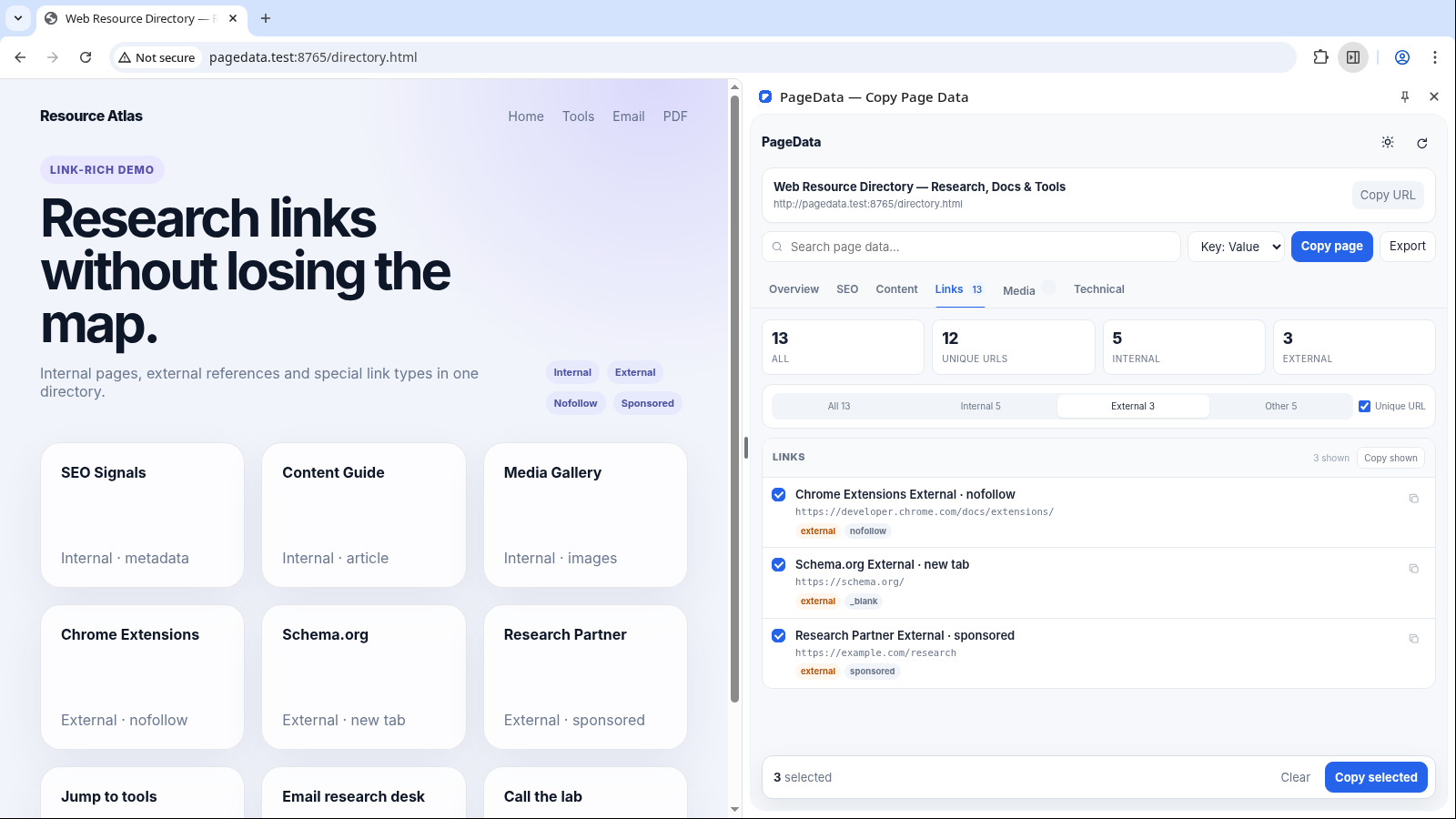
Filter internal, external and other links; remove duplicate URLs; inspect anchor text, rel flags, targets, downloads, and copy selected link data.
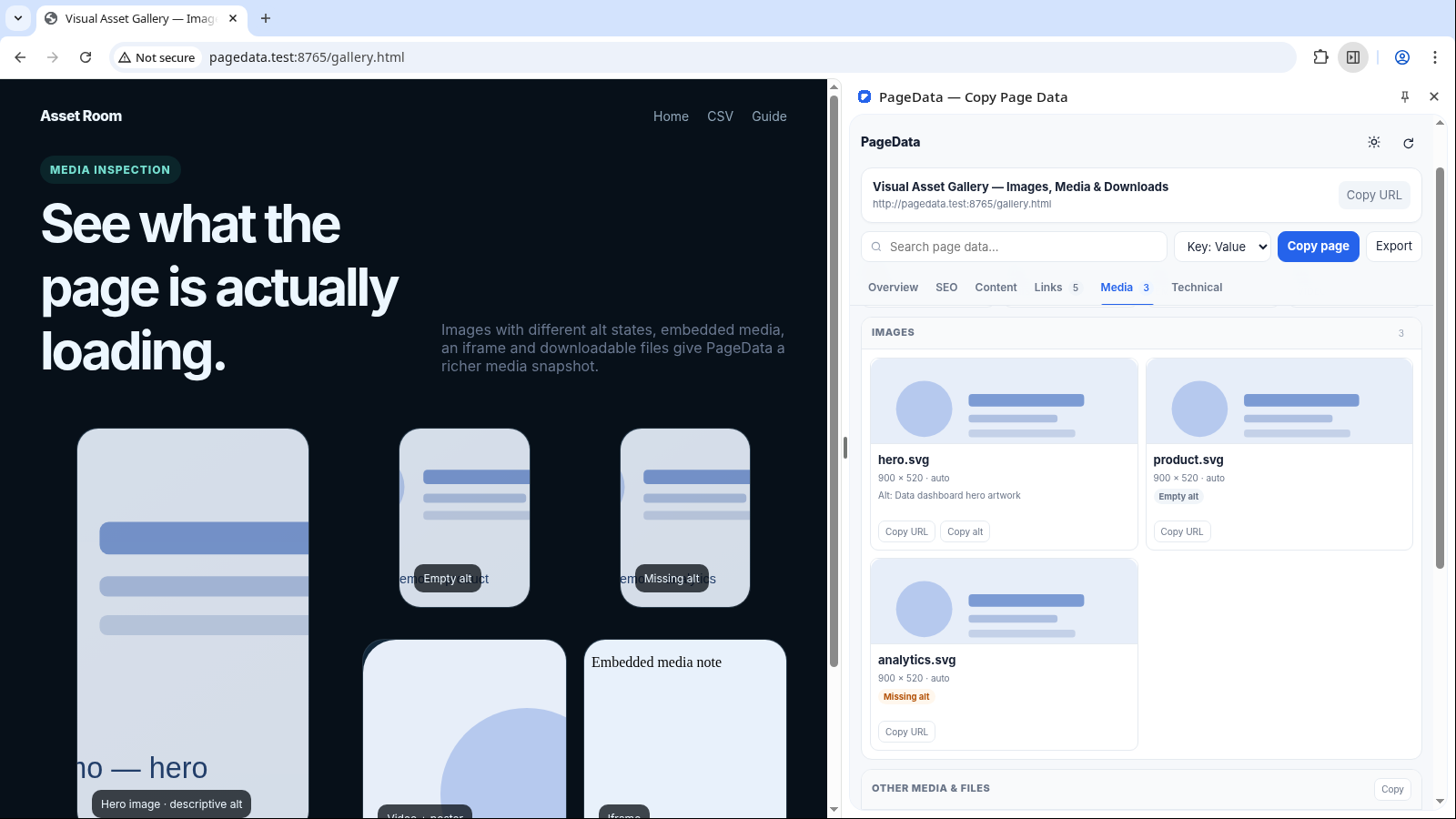
Browse image URLs, dimensions and alt states alongside videos, audio, iframes and common downloadable file links found on the page.
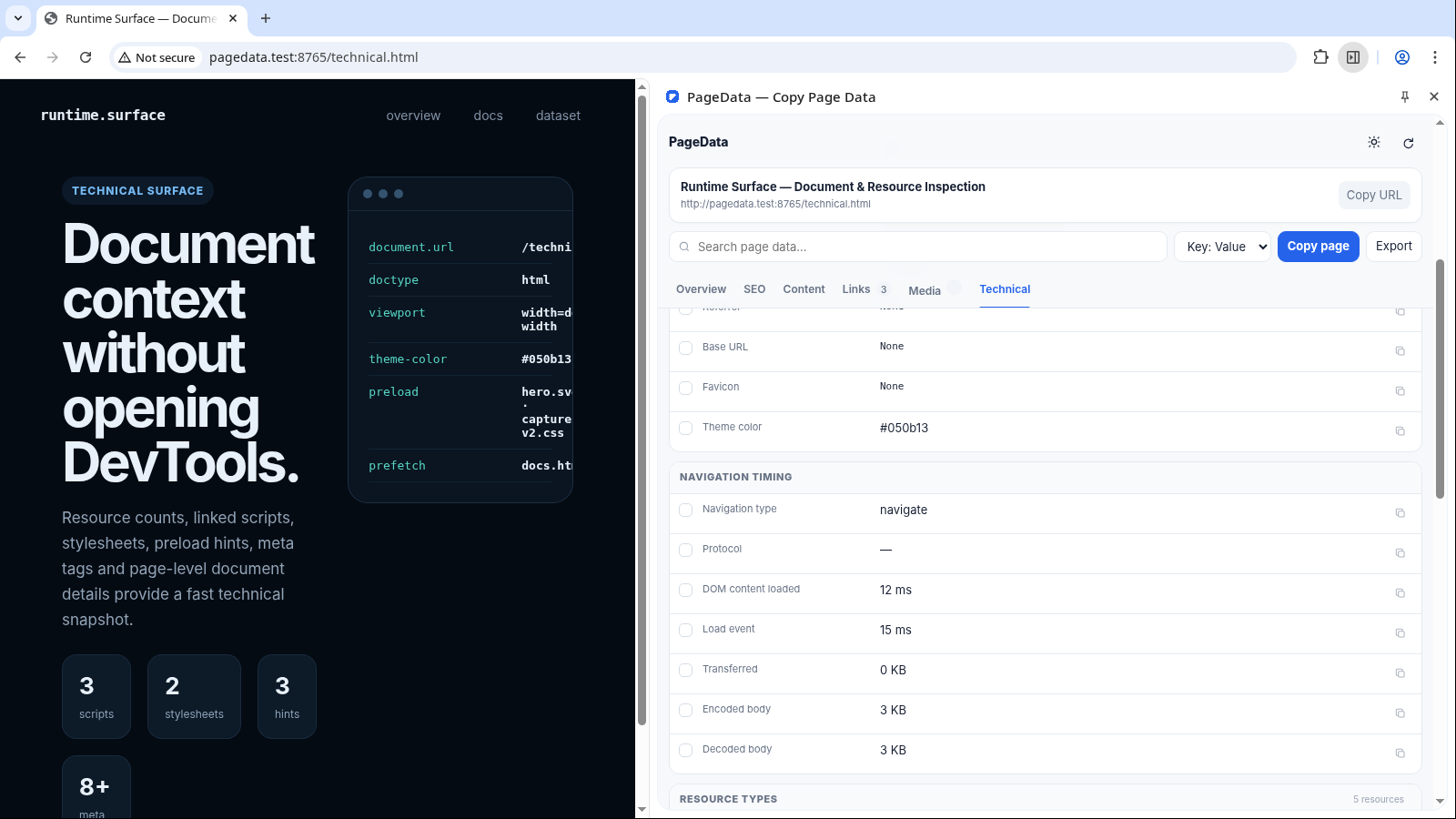
Review document details, navigation timing, resource-type counts, scripts, stylesheets, preload/prefetch hints and the page’s full meta-tag collection.
PageData is not designed to become another dashboard you have to manage. It stays beside the page, surfaces the current snapshot, and helps you move that data somewhere useful with as little friction as possible.
The extension uses Chrome Side Panel, so the webpage stays visible while its structured data appears next to it. Reloads, URL changes and rapid tab switches are handled by the scan lifecycle rather than leaving stale snapshots behind.
Use Overview for the big picture, SEO for metadata, Content for document structure, Links for URL extraction, Media for assets, or Technical for document and resource details.
Search within page data, switch link filters, turn unique URL mode on, and select only the fields or links relevant to the task instead of copying an oversized dump.
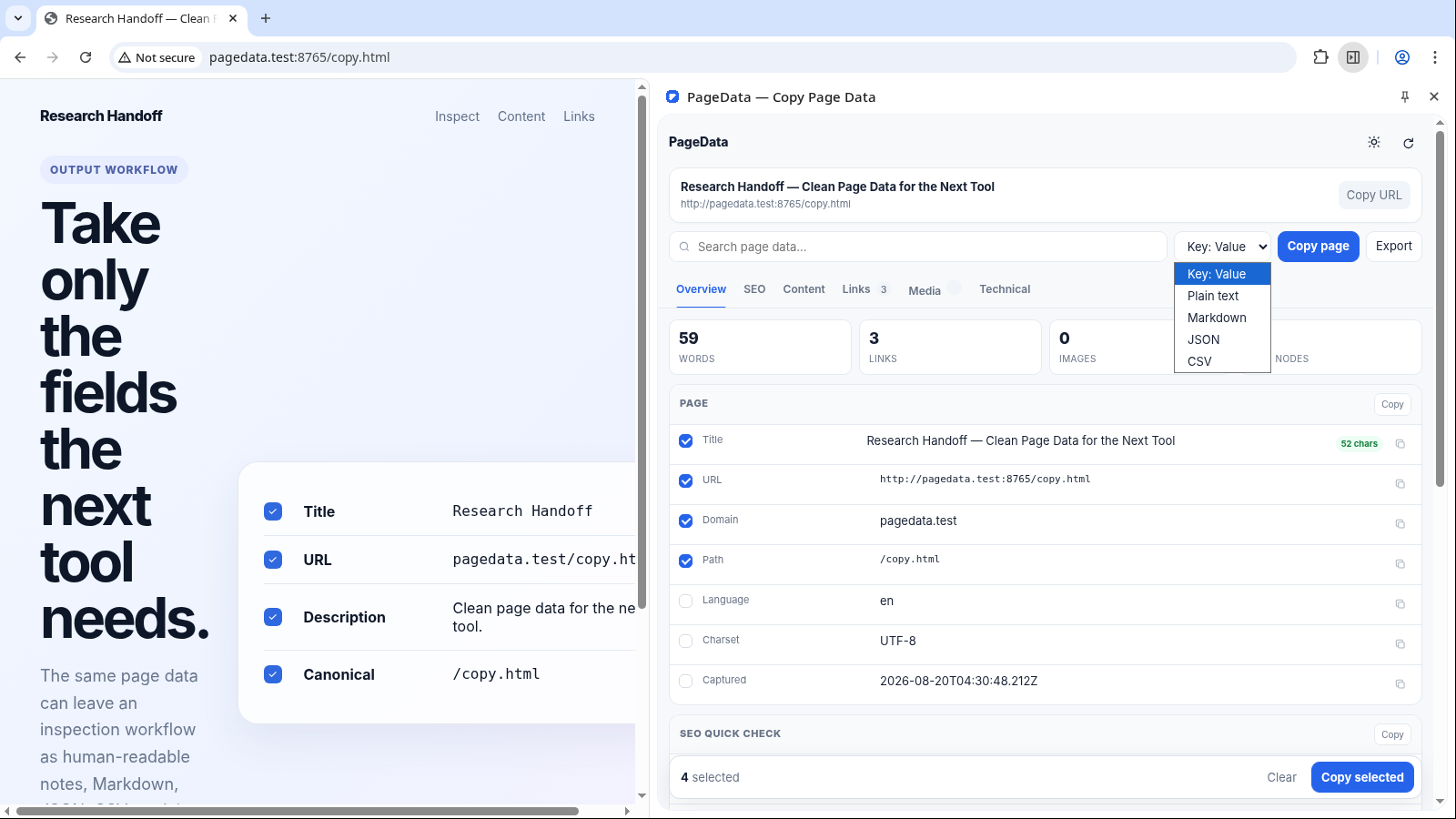
Choose Key: Value, plain text, Markdown, JSON or CSV. Copy a single field, multiple selected values, a filtered link set, or export the full inspection snapshot as JSON.
Overview keeps the essentials close. SEO expands the same page into metadata, headings, social signals, hreflang and structured data without sending you into source code.
PageData measures the document around the text, not just the text itself. Use it to understand scale, structure and extractable content before moving into research, QA or rewriting.
Separate internal, external and special destinations, collapse duplicates when useful, inspect relationship flags, and select only the links that belong in the next step.
Images stay visual instead of becoming anonymous URLs. PageData pairs previews with dimensions, alt-state information and other embedded or downloadable resources found on the page.
Choose the format that fits the destination instead of cleaning the same data again after copying. Use a single field, a selected set, or export the full inspection snapshot as JSON.
Technical keeps the commonly useful document and resource details close: enough context for QA, research and quick inspection, without pretending to replace Chrome DevTools.
doctype · viewport · charsetreferenced JavaScript resourcesstylesheet resource URLspreload · prefetchbroader page metadata collectionDoctype, viewport, language, charset and other document-level values.
See high-level counts by resource type without manually scanning network entries.
Collect script resource URLs referenced by the current page.
Inspect stylesheet resources referenced by the document.
See resource hints the page declares for loading behavior.
Review the broader meta collection beyond the common SEO fields.
PageData stays deliberately general-purpose. The same inspection engine can support different workflows because the output is structured, filterable and easy to copy.
Check page titles, descriptions, canonicals, robots, headings, social metadata, hreflang and structured data without opening the source.
Capture page identity, content size, document outline and extractable text before moving the useful parts into notes, docs or AI workflows.
Turn a page full of anchors into a filtered internal, external or unique URL dataset with anchor context and rel attributes intact.
Review heading structure, image alt states, forms, resource hints and page-level counts while the original page remains visible beside the panel.
Locate image sources, embedded media and common downloadable files without manually hunting through markup or network requests.
Get a fast overview of document metadata, resource references and technical details before deciding whether deeper DevTools investigation is necessary.
PageData needs to read the webpage you ask it to inspect, but the current build does not send that inspected data to a backend service. Scanning, grouping and copy formatting happen locally in Chrome.
The extension reads the current DOM to build the inspection snapshot, then displays and formats that information locally.
The current build includes no analytics service, advertising SDK, remote script or backend integration.
chrome.storage.local is used for preferences such as the selected theme and copy format.
The active inspection snapshot stays in the Side Panel session and is not written to chrome.storage.local. A file is created only when you explicitly choose to export the current snapshot.
Pages such as chrome://... and protected Chrome Web Store surfaces cannot be scripted by extensions, and PageData respects that boundary.
A useful inspector should also explain where it cannot operate. PageData distinguishes normal webpages from protected browser surfaces instead of presenting a misleading empty scan.
PageData is designed to inspect standard HTTP and HTTPS pages. The Side Panel refreshes the snapshot as the active page changes and avoids stale results during navigation.
https://example.com/page
Chrome does not let extensions inject scripts into browser-internal pages or certain protected store surfaces. PageData detects those cases and shows a clear unavailable state.
chrome://... · Chrome Web Store
PageData turns the current page into a structured, copy-ready inspection without forcing you to dig through source code for everyday metadata, links, media and document details. For support, feedback or bug reports, contact the developer directly.